Mariestad Digital Adaptation
Eurogame style board game about city planning and sustainability
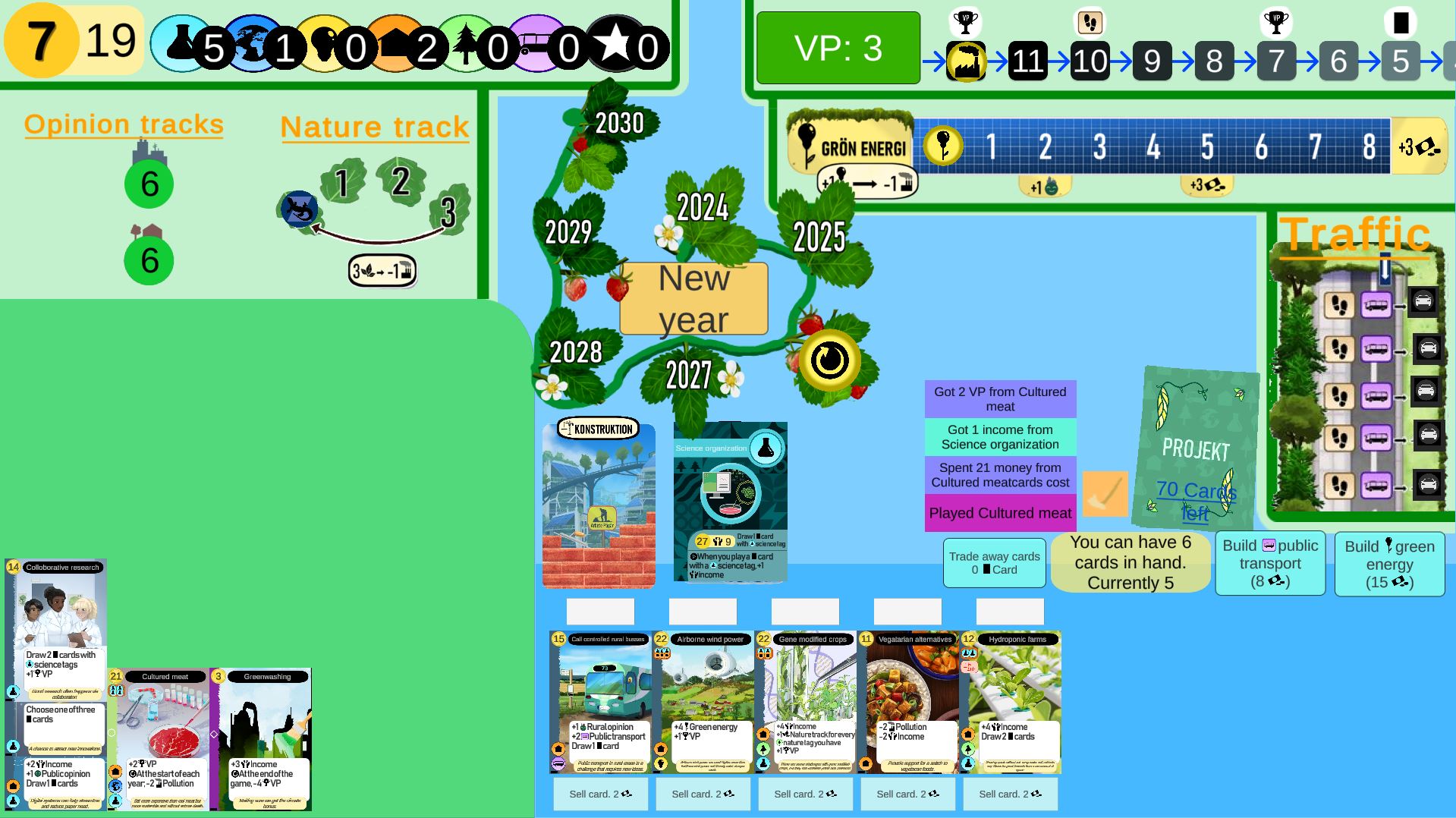
Screenshot of the game
I made a digital, solo only, adaption of the Mariestad Board Game.
It has most of the features of a physical board game and an inbuilt tutorial. It has support to
be played in both English and Swedish and has options for different amounts of starting
pollution, to provide different levels of challenge.
When I made my Unity Asset
for layered tooltips I also updated this project to feature them.
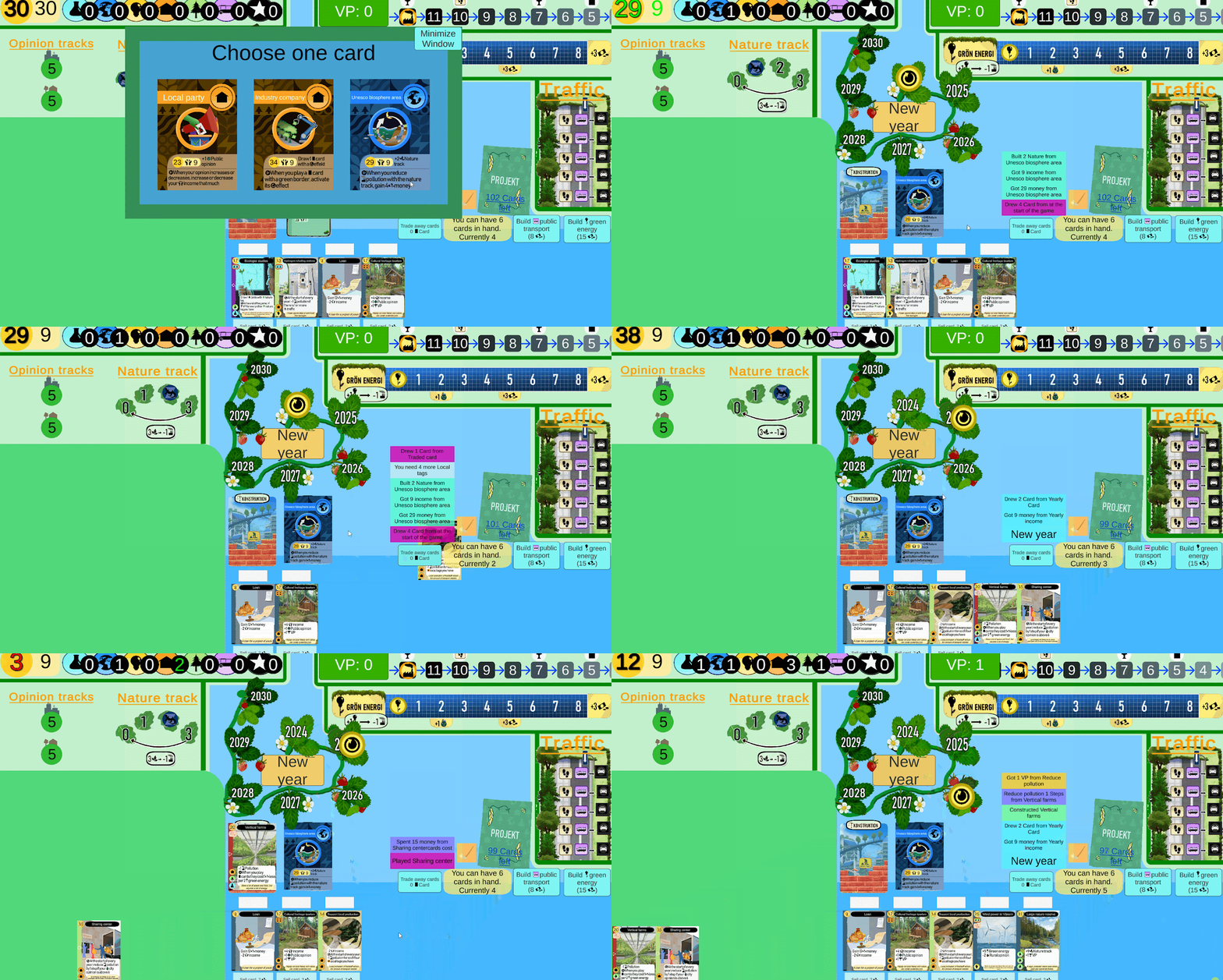
Some gameplay, you can see the mini animations as cards fly across the screen
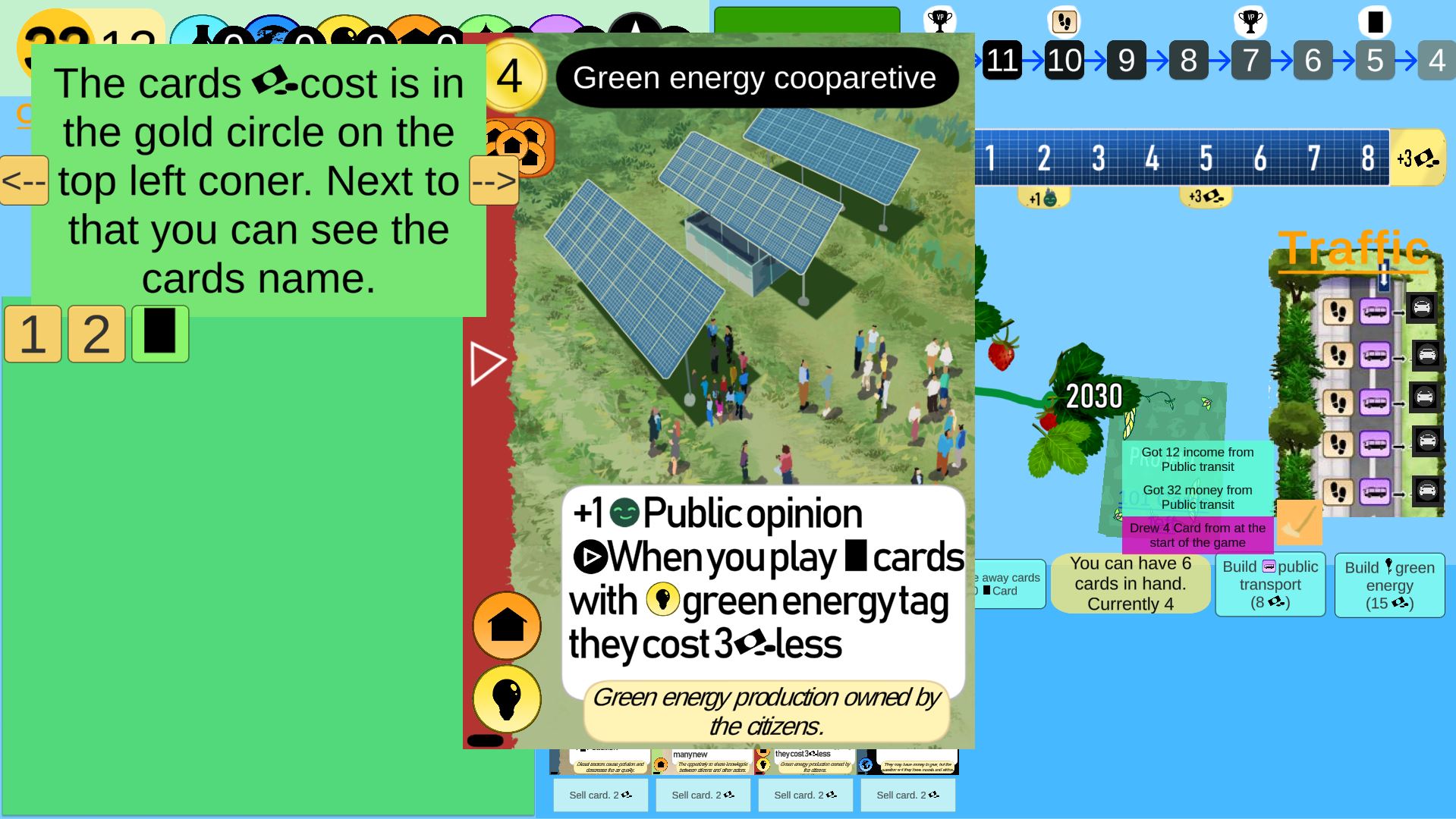
Part of the tutorial
Things I've worked on:
- Made a unity script to put together cards from their components using scripatble objects
- Coded the game and its many possible interactions, between different cards and game mechanics
- Used google sheet as a card database and created a script to import data to unity from CSV files.
- Re-balanced the game for a solo only challenge
- Set up options for different difficulties and challenges
- Changed cards that needed to work differently in a digital, singleplayer format
- Tested the game many times, and got feedback from friends, working iteratively.
- Redesigned the UI to be something that fit in a digital format and felt modern
- Worked in Figma to plan out and prototype the UI.
- Added micro animations using the DOTween Unity plugin to add improve the game feel
- Made an in game tutorial that explains how the game.
- Made a simple localization system using JSON files so it can be played in both English and Swedish.
- Implemented my Nested Tooltips system.
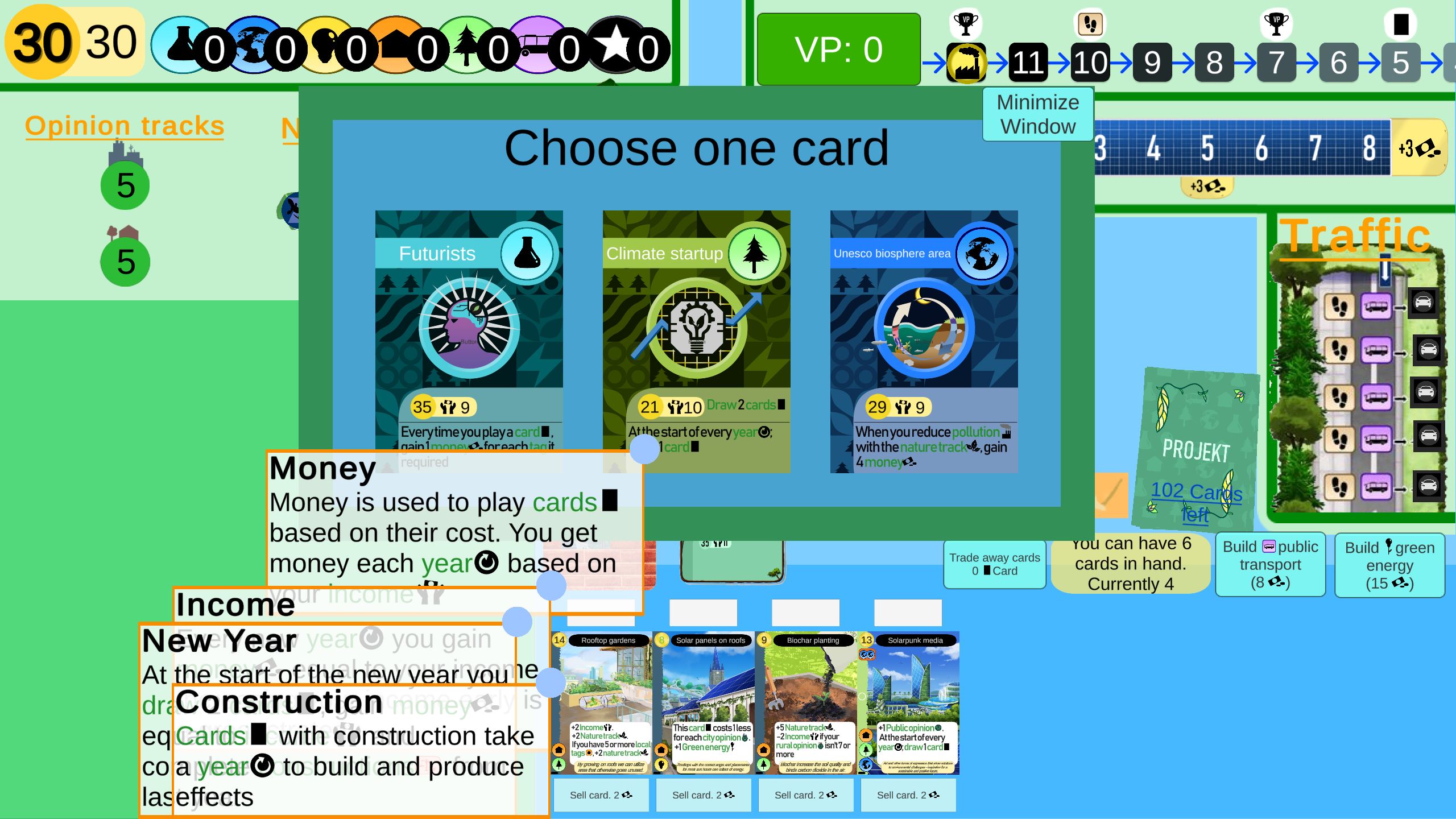
My nested tooltips system in the game
Design Process
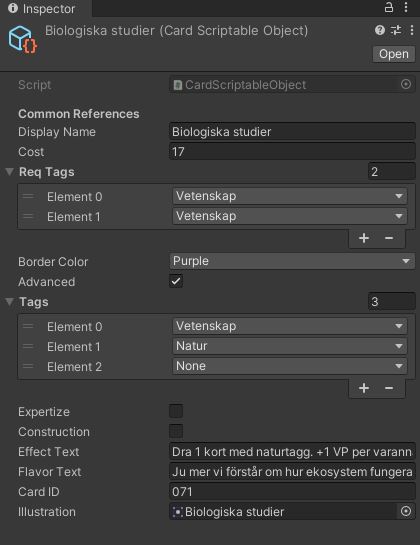
Part of a card's scripatble object
When I was making the Unity Script that
put together the cards for the Board Game, I got the idea of trying to actually make a digital
adaptation.
It would be nice to play and an easier way to show people the game design of the board game
without having to sit down and play it.
I had also gotten really into playing solo Terraforming Mars at
https://terraforming-mars.herokuapp.com, and I liked the idea of making something similar.
I did most of the game code in spring 2024 as the game was being printed, and had a playable
version in May.
But for the initial versions I just used the games boards for UI, which looked awkward and was
inefficient on a digital screen.
I knew I wanted to fix something better, but I was a bit tired of the game then and took a few
months break from the project.
In the fall of 2024 I took a remote course in UI design from Uppsala University and decided that
was a good time to fix the UI of the digital adaption.
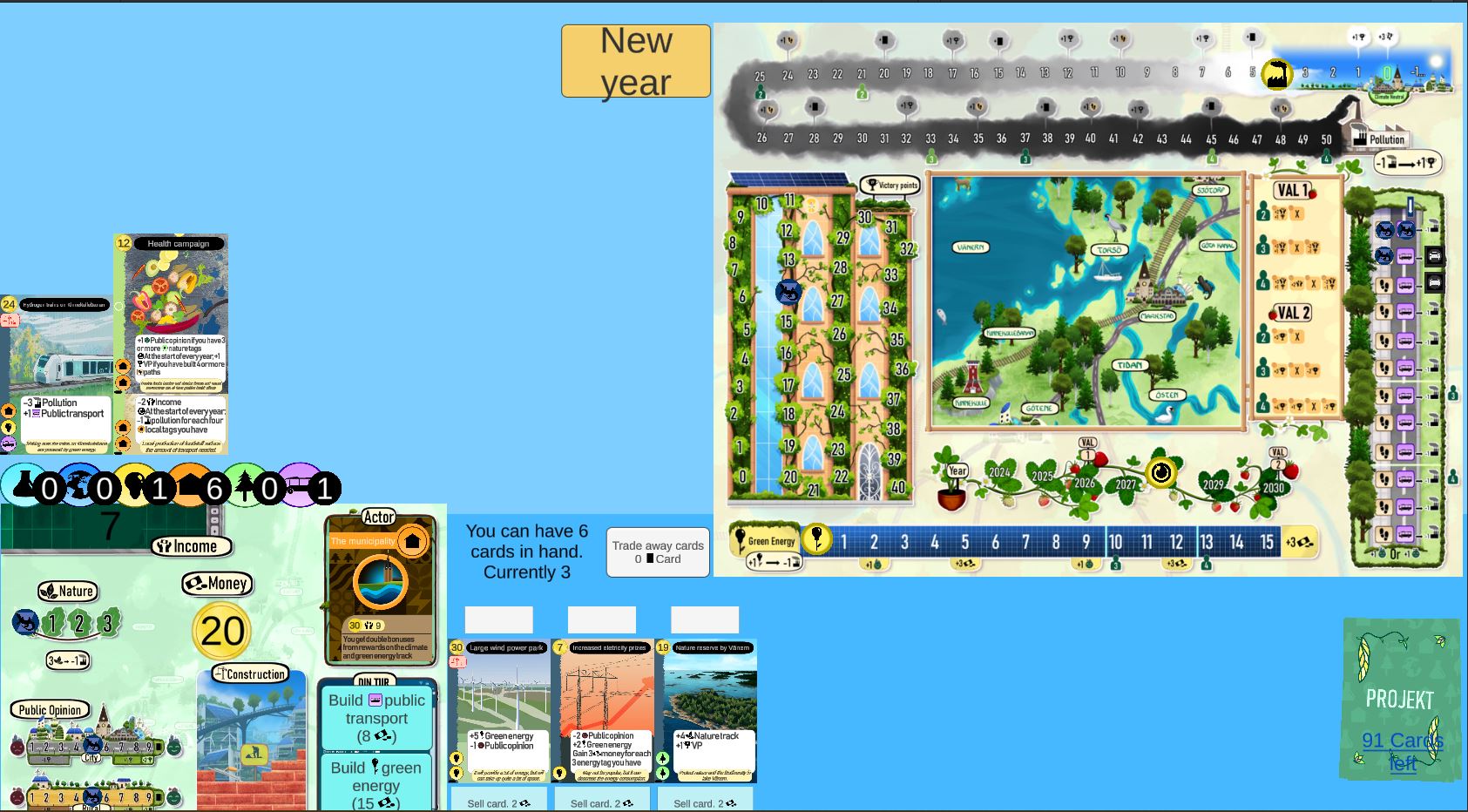
The early UI for the digital adaptation
The first part of this was splitting up the game boards and moving elements around for a more
natural feeling layout that follows strategy genre conventions. Money, Income and tags were
moved to the top of the screen where resources generally are in strategy games. Many resources
that used tracks in the board game were made into numbers instead to take advantage of the
digital format.
I also changed the size of green energy and traffic tracks as the current size was way to fit
for solo play. The pollution track I did a large redesign on, making into a dynamic display that
shows the next couple of steps and their bonus rewards. This removes a lot of unused game
elements and creates a nice visual of "pulling" in pollution. It also allowed me to create an
alternative setting where the bonuses on the track are randomly placed.
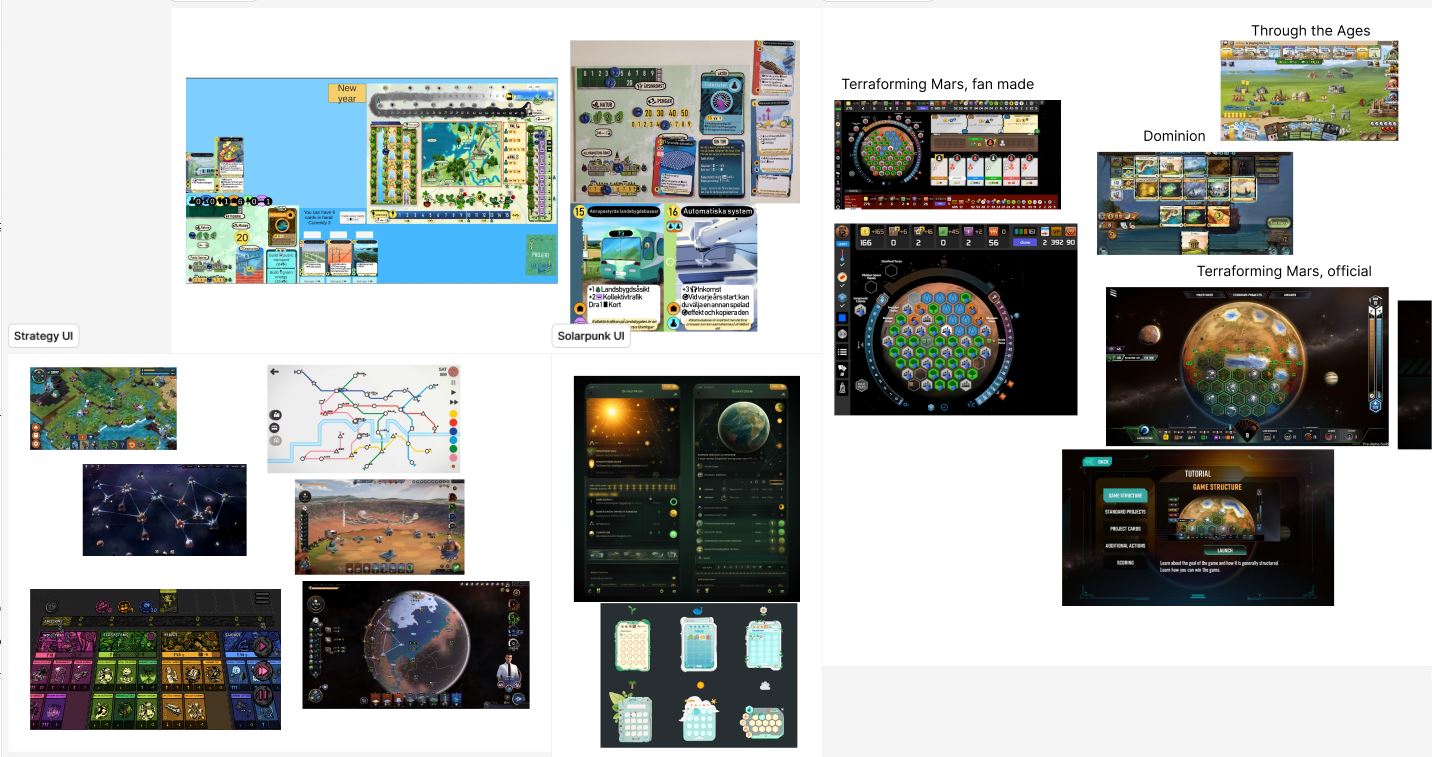
I begun by finding images of UI for strategy, solarpunk and digital board games. The figma project can be viewed here
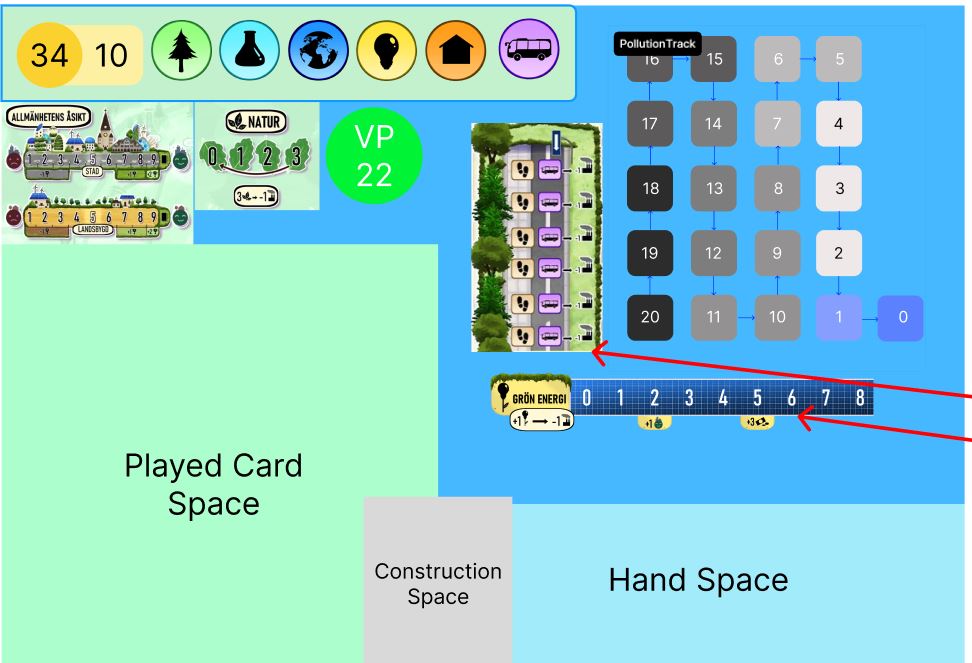
I then used Figma to plan out the new design for the UI, starting with a wireframe and adding more details over time.

The pollution track I described earlier. As you reduce pollution it gets moved into the VP display, connecting the two elements and creating a visual of "pulling" in pollution into nature.
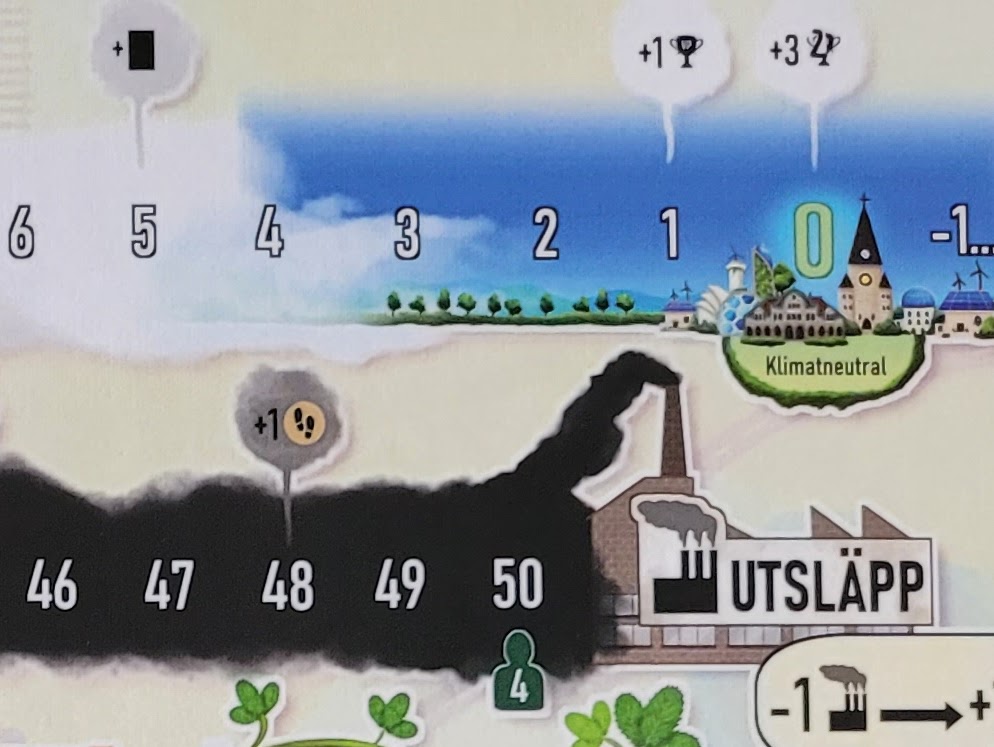
The same pollution track on the physical game board

I also wanted to add more feeling or "juice" into the game. For this I added some micro animations using the DoTween plugin for unity which I found absolutely perfect for this. It allows you to add easy animations of things moving between points, scaling up or down or rotating. While none of these things are particularly hard to do in code, DoTween is so much faster and easier than doing it by hand. A line like the one above is so much quicker to write and use than having to deal with Unity's default ways of doing scaling, timers and more. I will definitely use this plugin for future projects that would benefit from something like it.
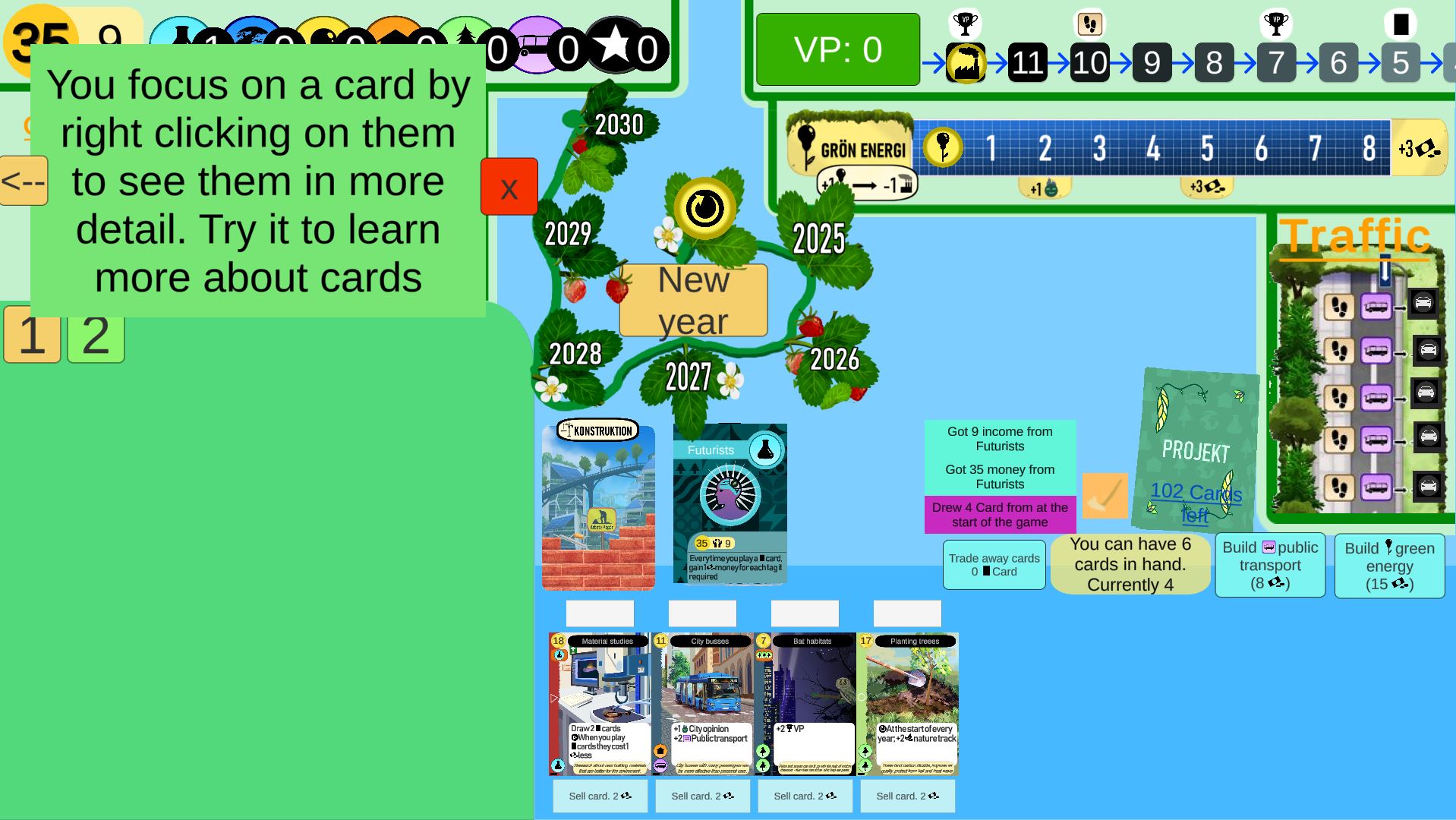
Far better than before but there was still room for more upgrades. The updates used screen space and organized things better, but I made the board a bit cluttered and some UI elements blended into each other.
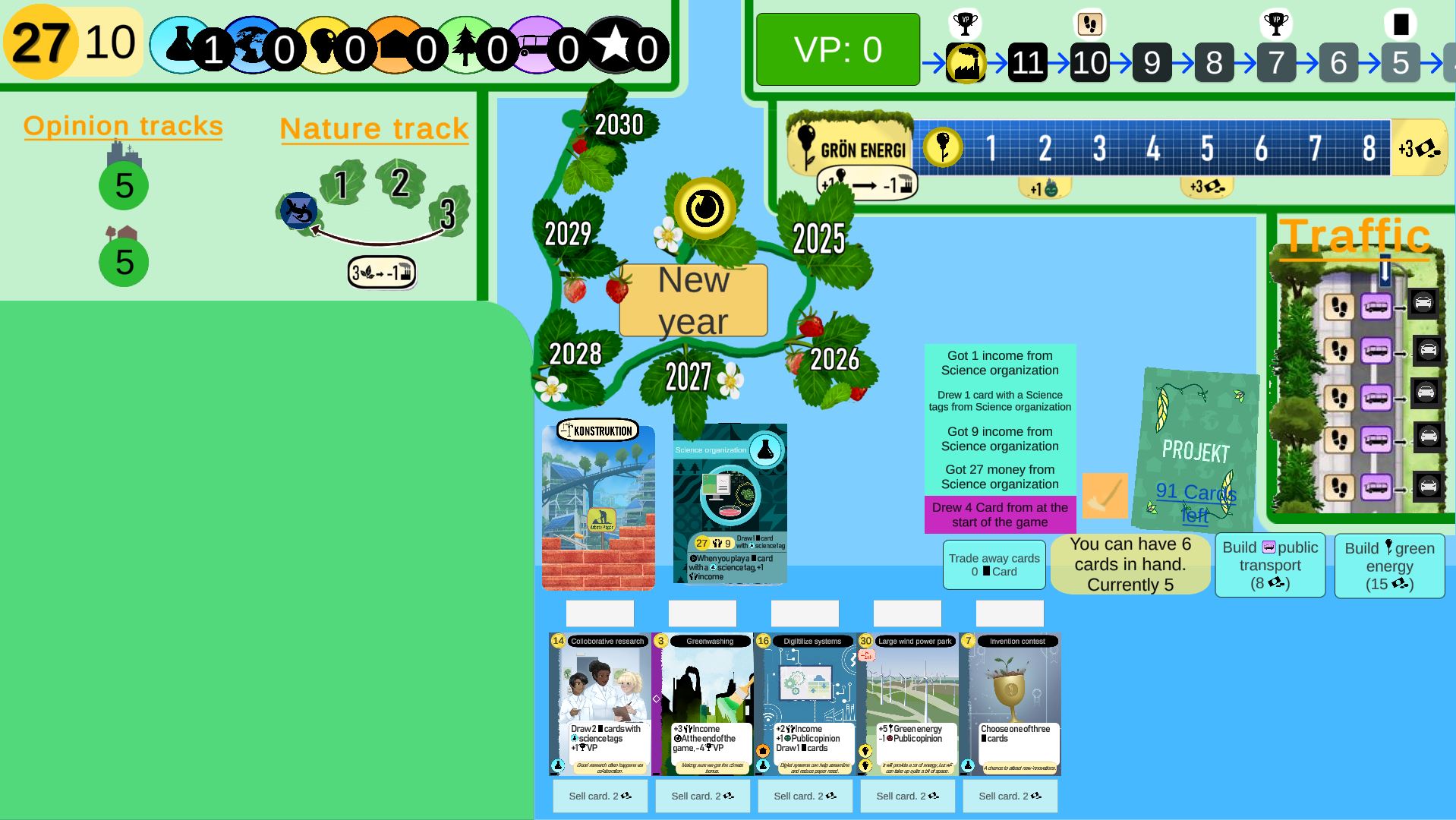
To improve the organization of the UI I added some backgrounds to the different elements, with dark green lines to separate them. I also moved around the year track so it covered less of the screen. I'm not 100% happy with it yet though, since it feels like it goes in a strange direction. Maybe it could do with a border along the played card space