High Frontier
Tutorial and UI improvements for digital board game implementation
During the fall of 2025 I returned to Ion Games for 3 months to do another internship, this one focusing on the digital side. I worked on making a tutorial and UI improvements for the digital implementation of the board game High Frontier , as well as various bug fixes, performance improvements and debug tools. I worked with many talented interns, as well as game designers in the company.
Tutorial Showcase
Tutorial Design
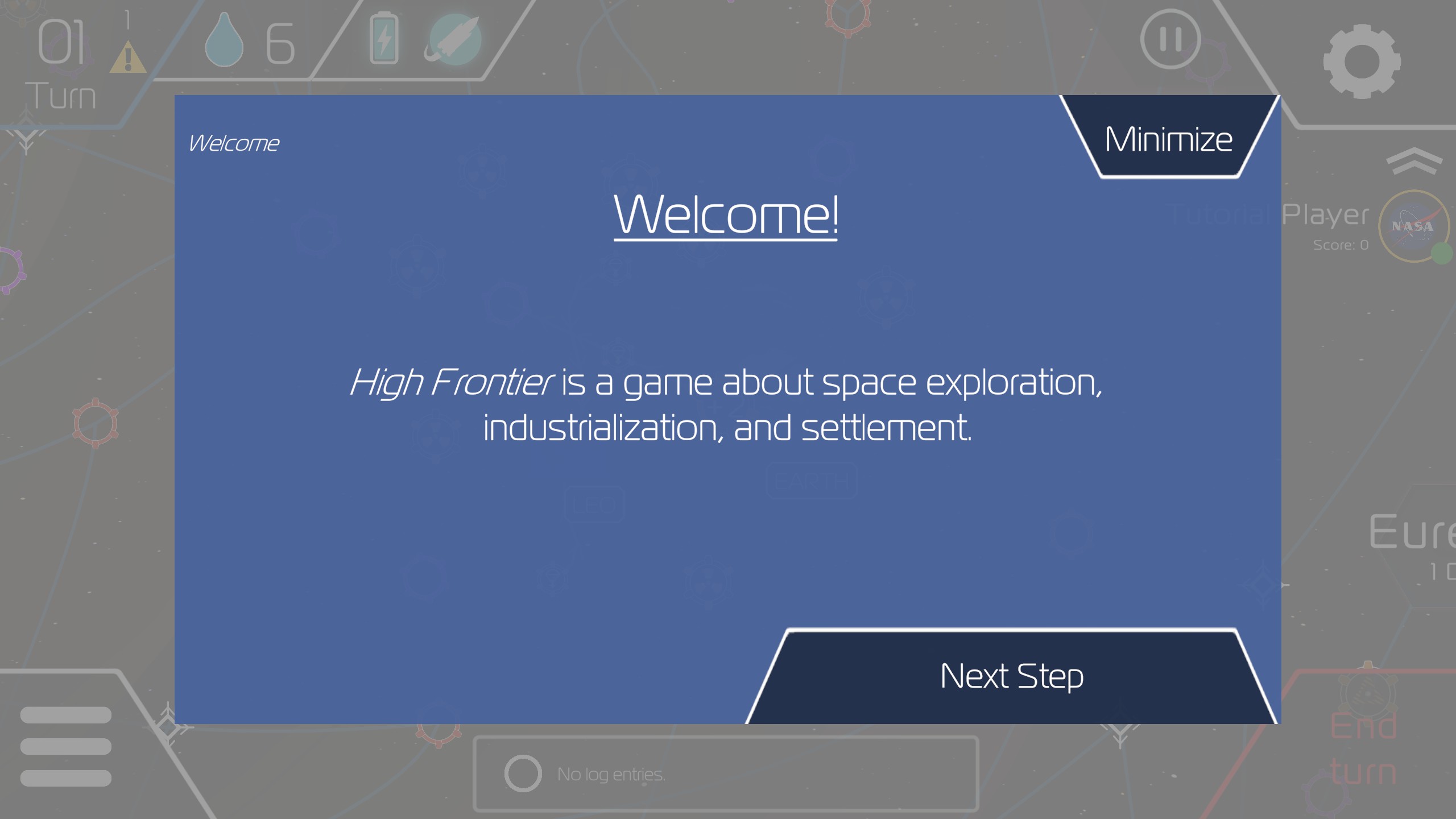
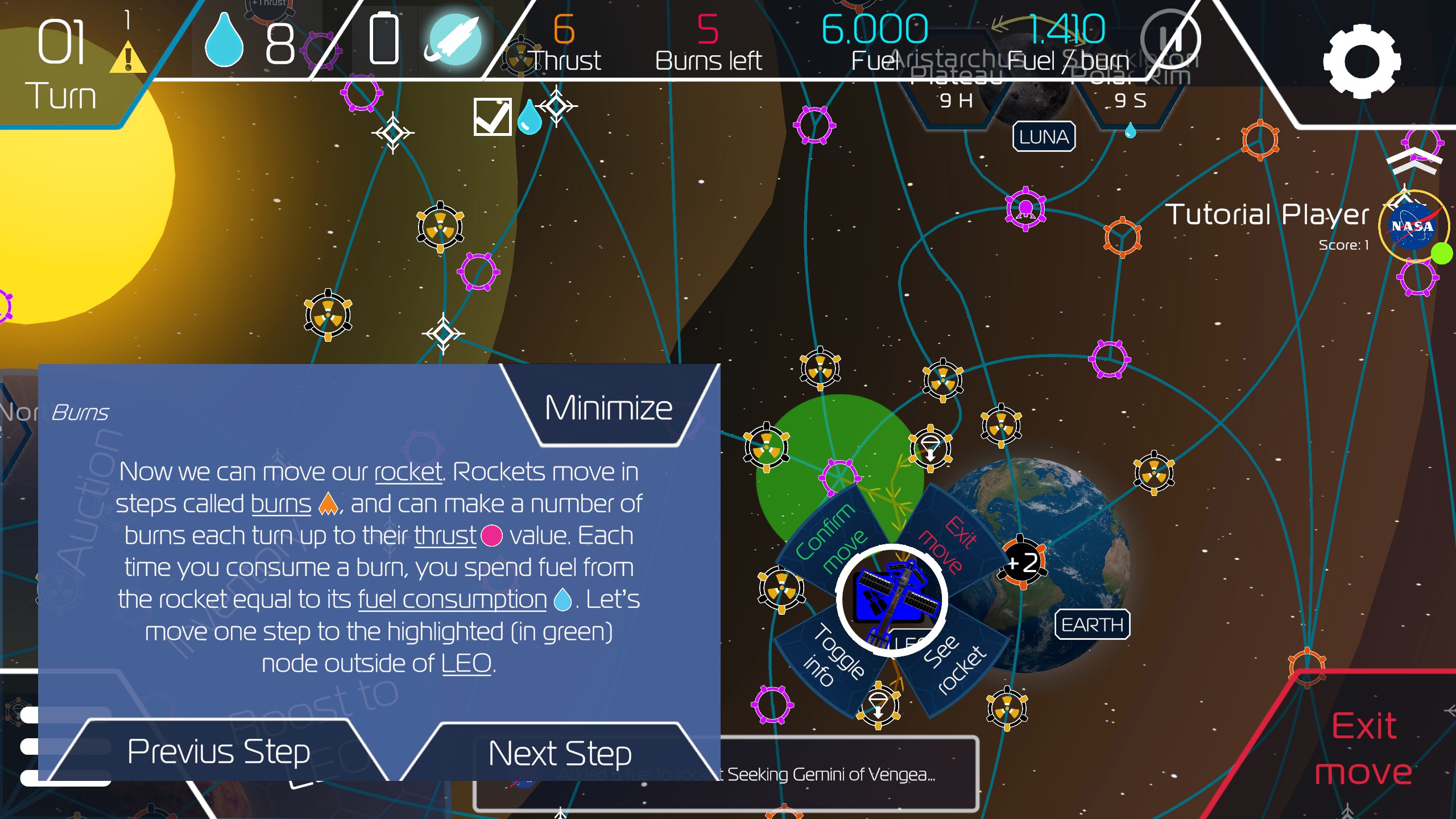
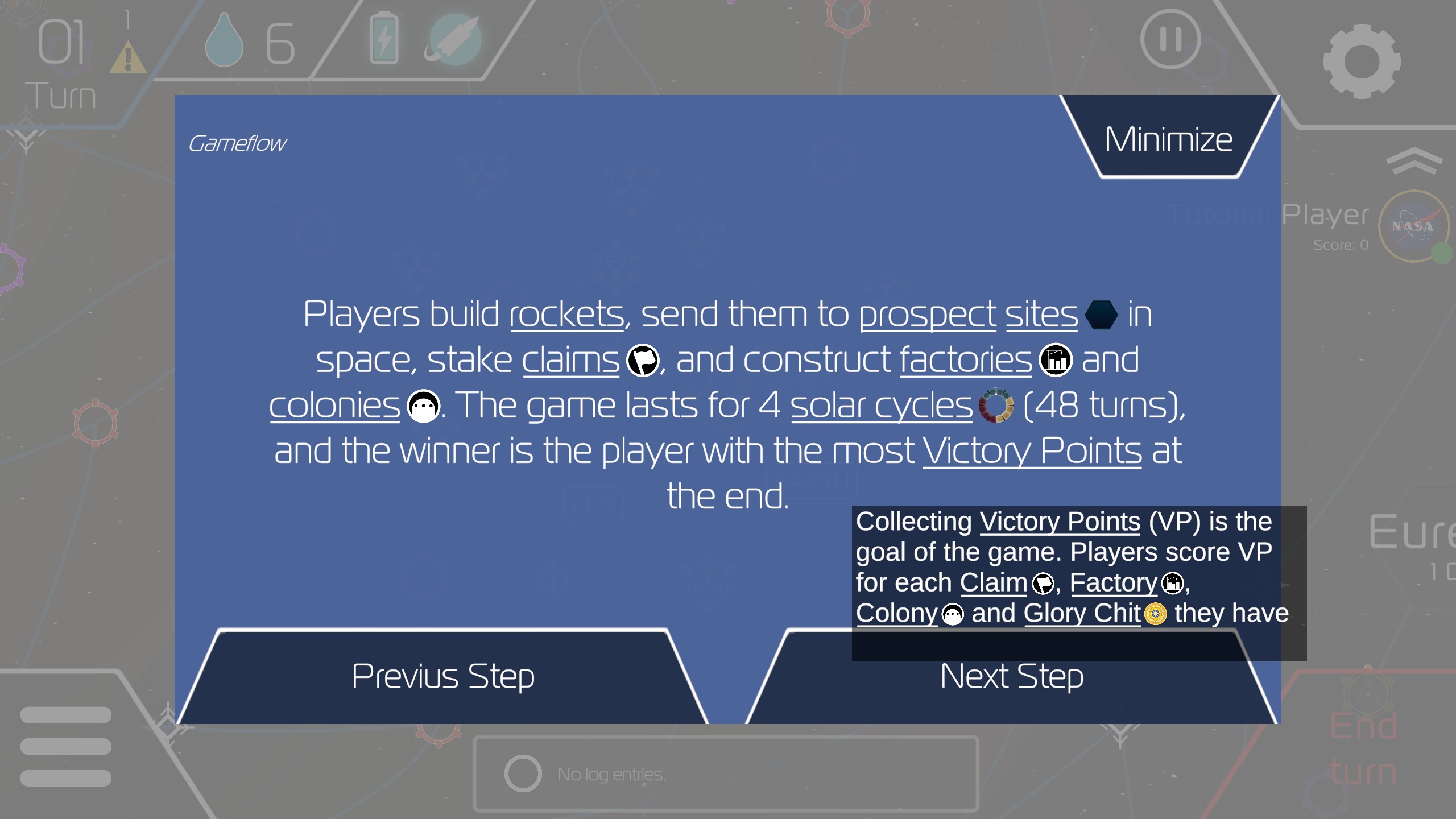
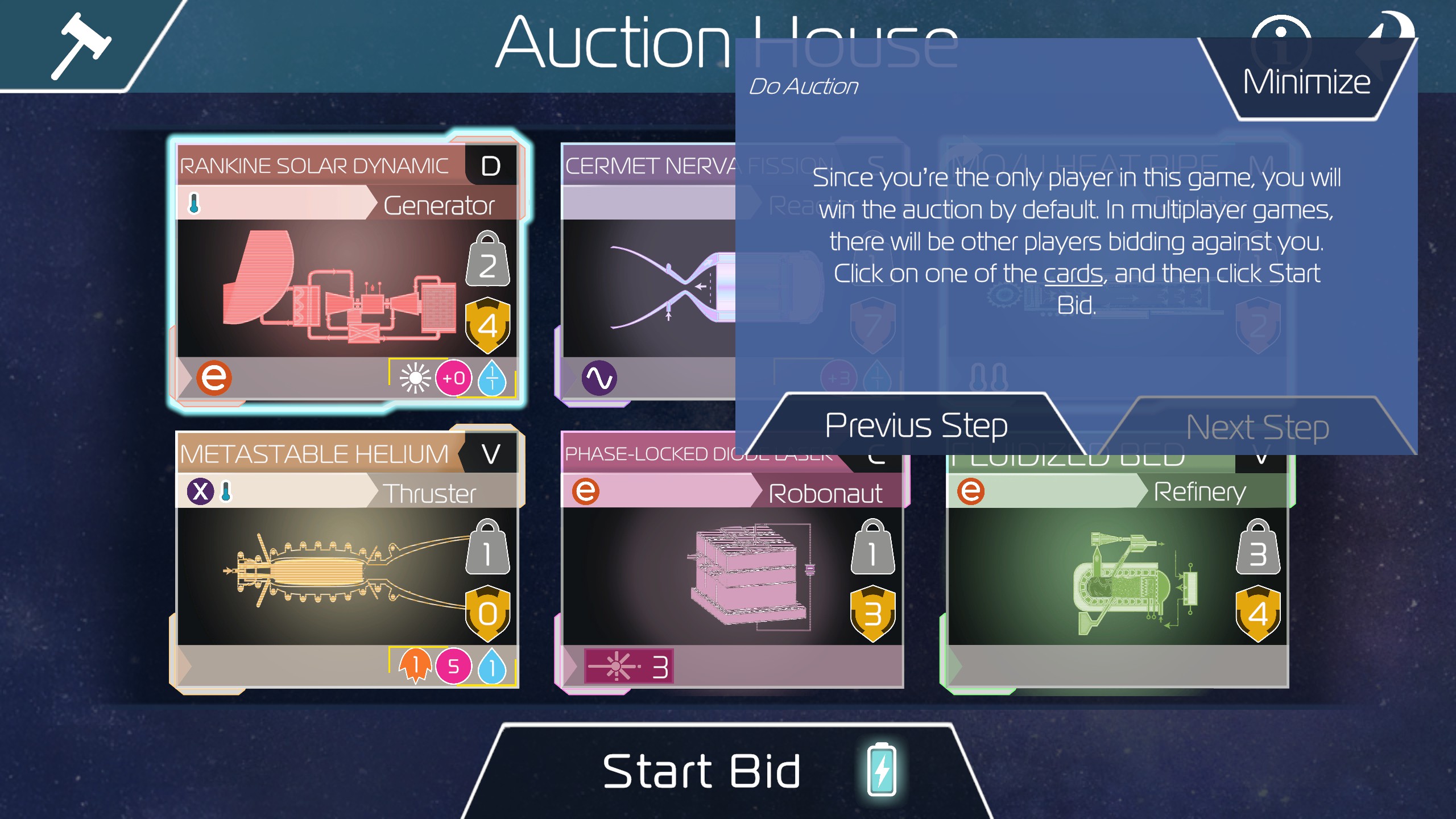
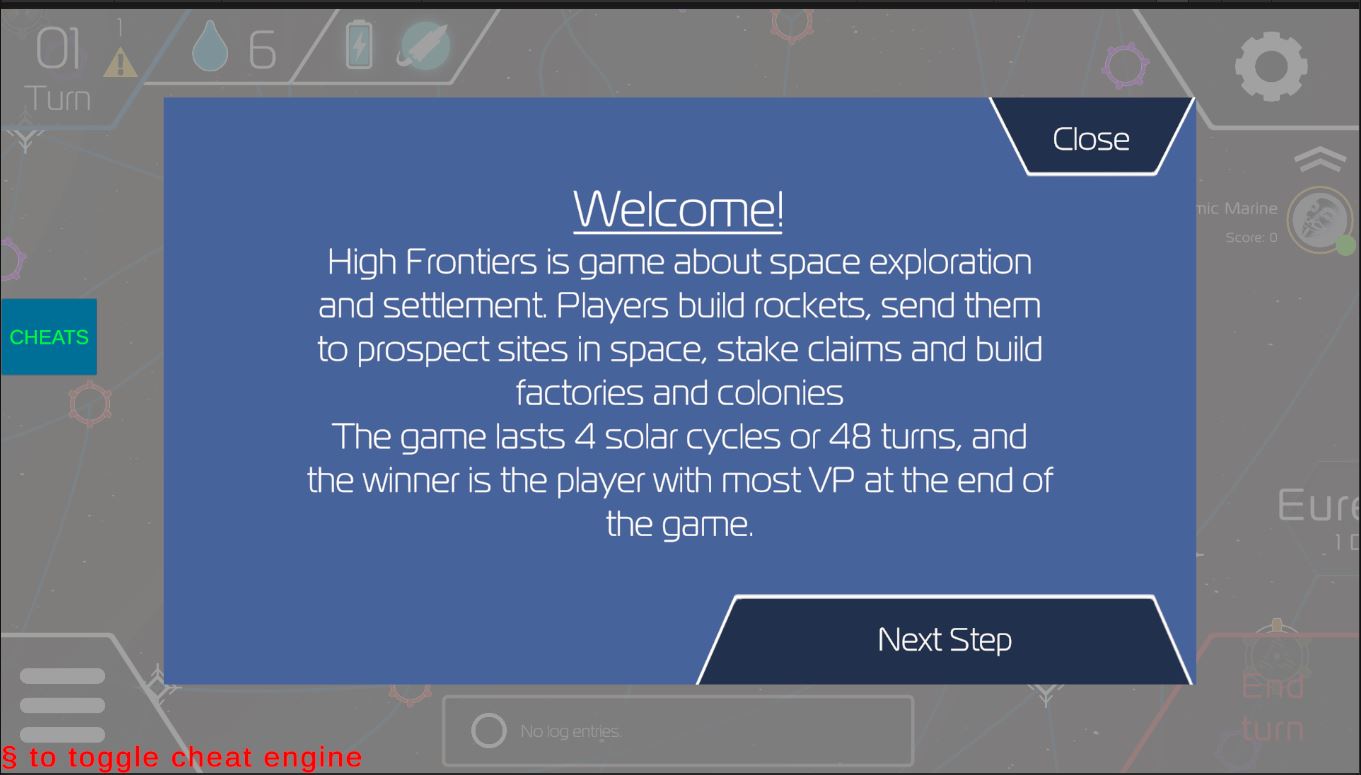
My main priority was making the tutorial, something very necessary due to the game's complexity (the board game has a complexity rating of 4.8 on BGG), long learning curve and basic UI. I began by playing the game and analyzing its (56 pages) rulebook, to plan out a tutorial and see what steps were needed.I knew I wanted the tutorial to be interactive, go through the core mechanics without being too long, and feature tooltips and modern UI design elements. So I decided to structure the tutorial in five parts; first steps and cards, rocket building, movement, sites and industrializing, and gameflow and goals.
Tutorial implementation
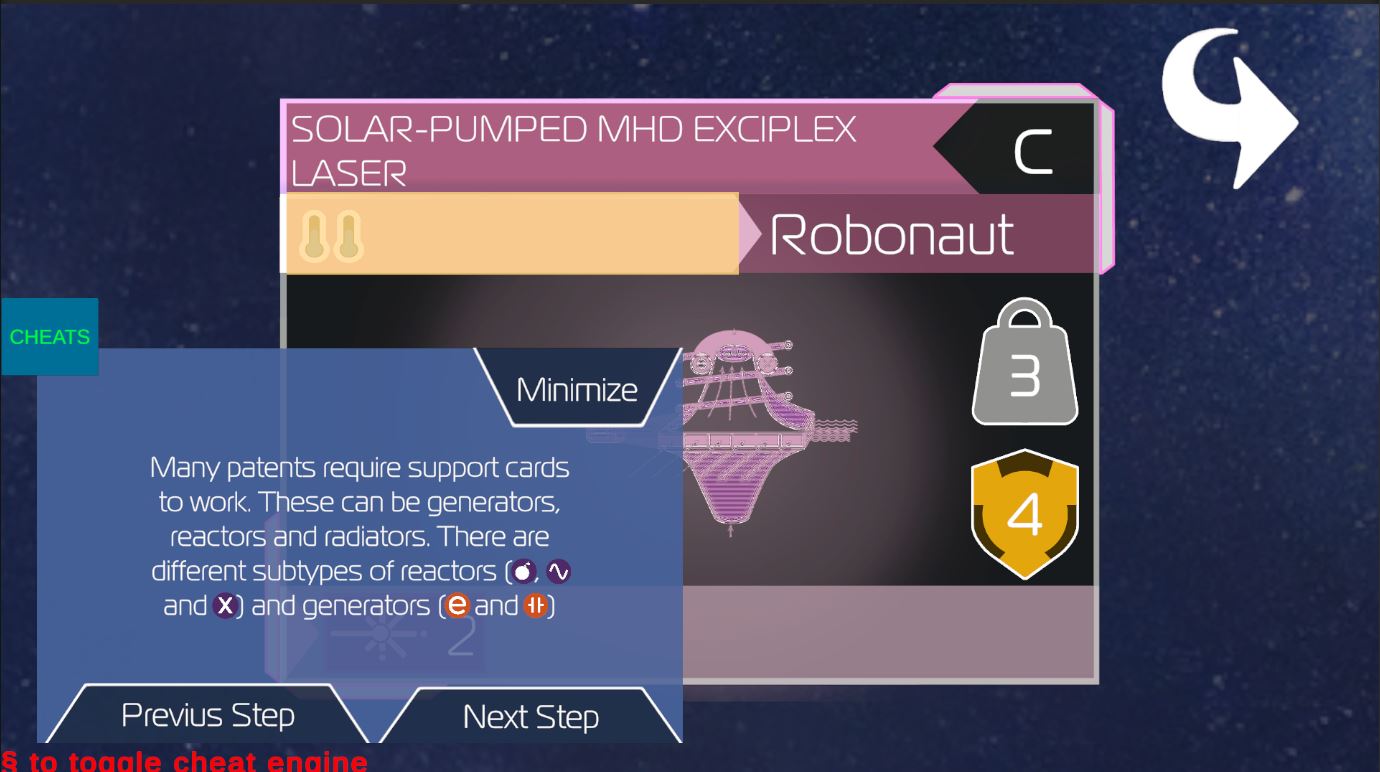
After design came implementation and programming. Since the game is built in Unity, a game engine I'm very familiar with, I wanted to try to code and implement the tutorial myself. It began with setting up a simple system that would display the tutorial windows from the cheat engine we use to test things in High Frontier I set up a structure for pages, displaying text and going back and forth in the tutorial, as well as five possible locations for the tutorial to appear in.Then the challenge came with integrating the tutorial with the rest of the gameplay systems. Since I wanted the tutorial to be interactive I had to set up a system for it to check which UI element you had open. I also had to give it systems for giving the player cards, Aqua (the game's core resource), and placing rockets. There were many challenges here with working with old code, whose original designers had left the project, but I got help from the other interns at ION and our digital lead Stewart.
In development images of the tooltips
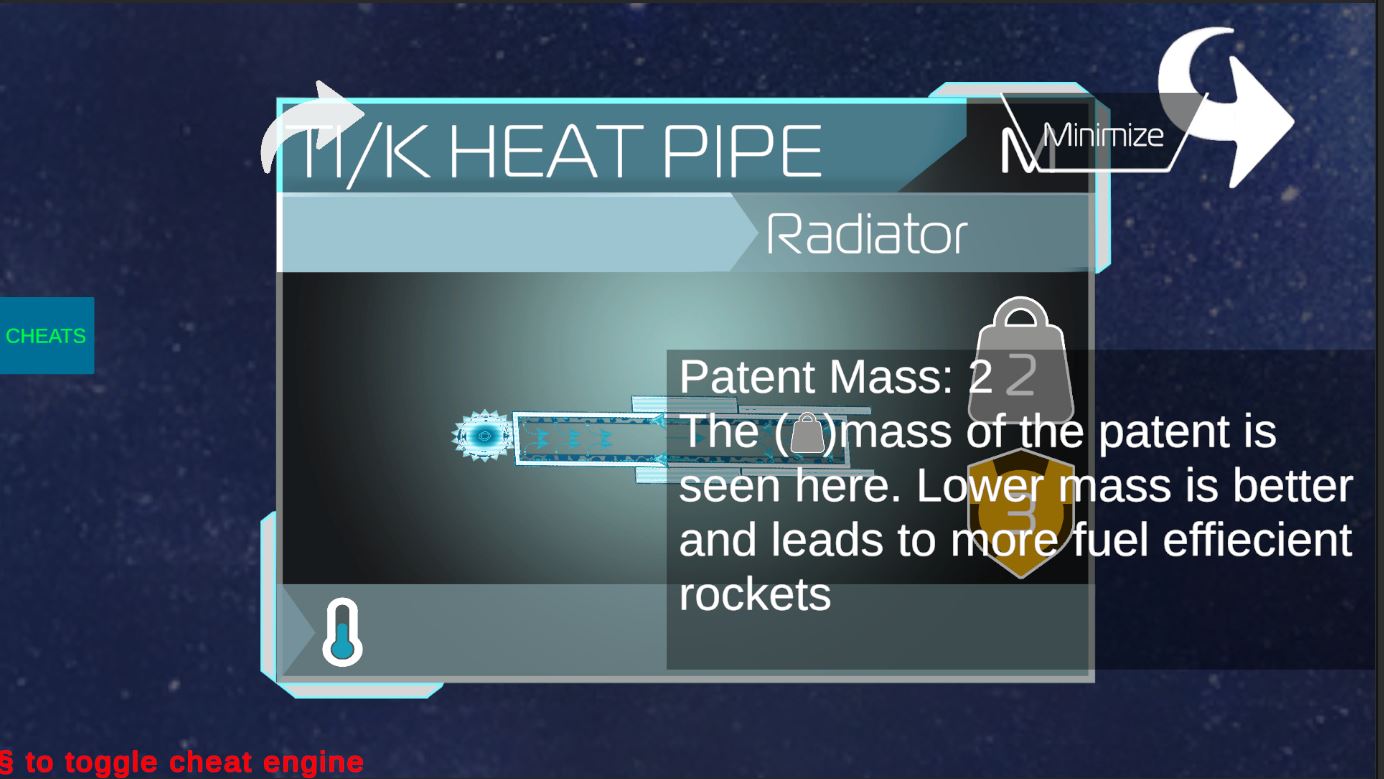
Tooltips
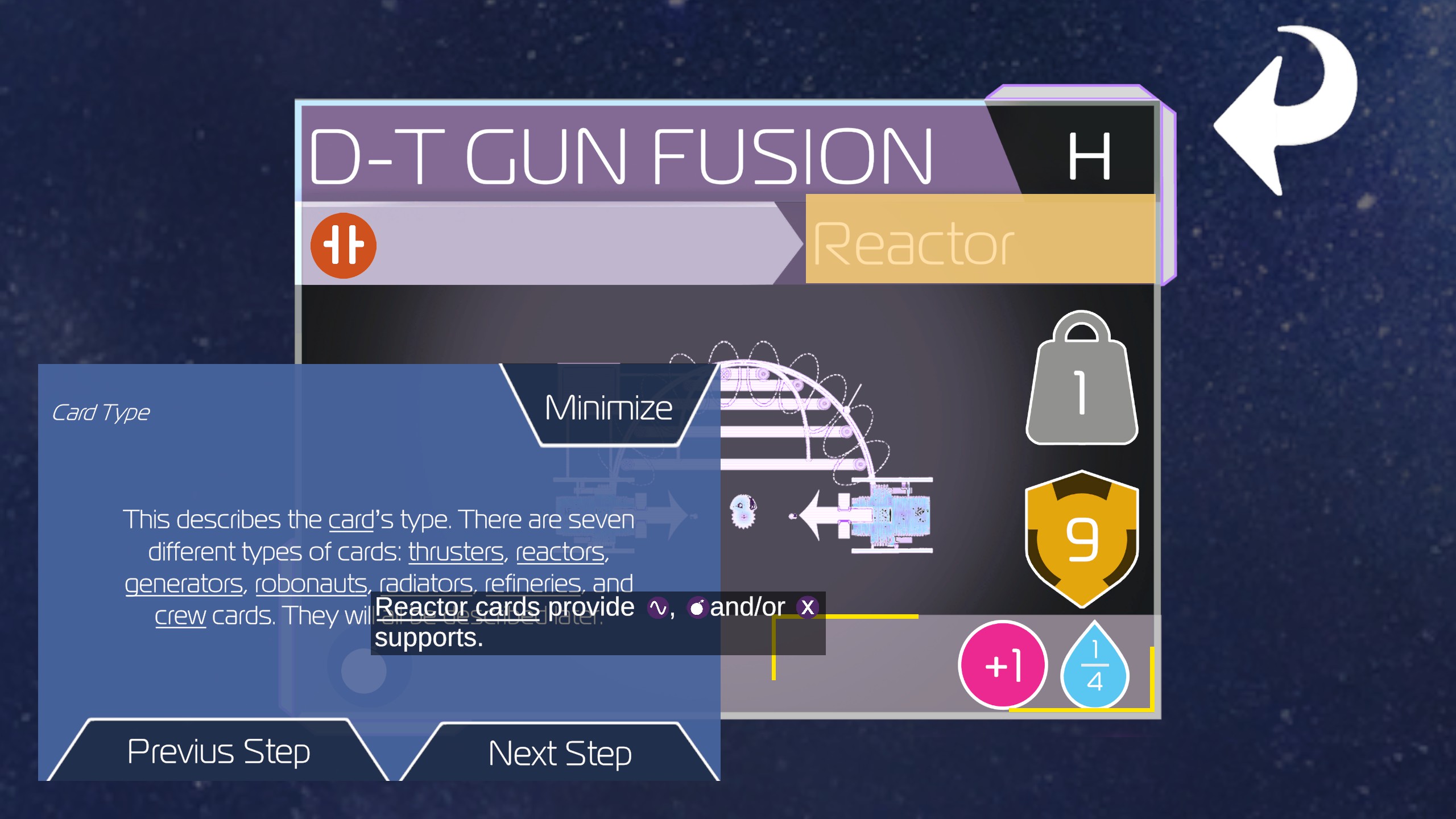
Besides having a tutorial I know I wanted tooltips, ideally layered tooltips like in Paradox Games, which I had coded before. Tooltips are an extremely useful bit of UI design, especially for complex games like this with many keywords. I designed the tooltips to show up on resource displays and UI elements, and set up with a simple Tooltip Trigger script that can be applied to more UI objects in the future. I also designed the tooltips to work on keywords in texts as seen below.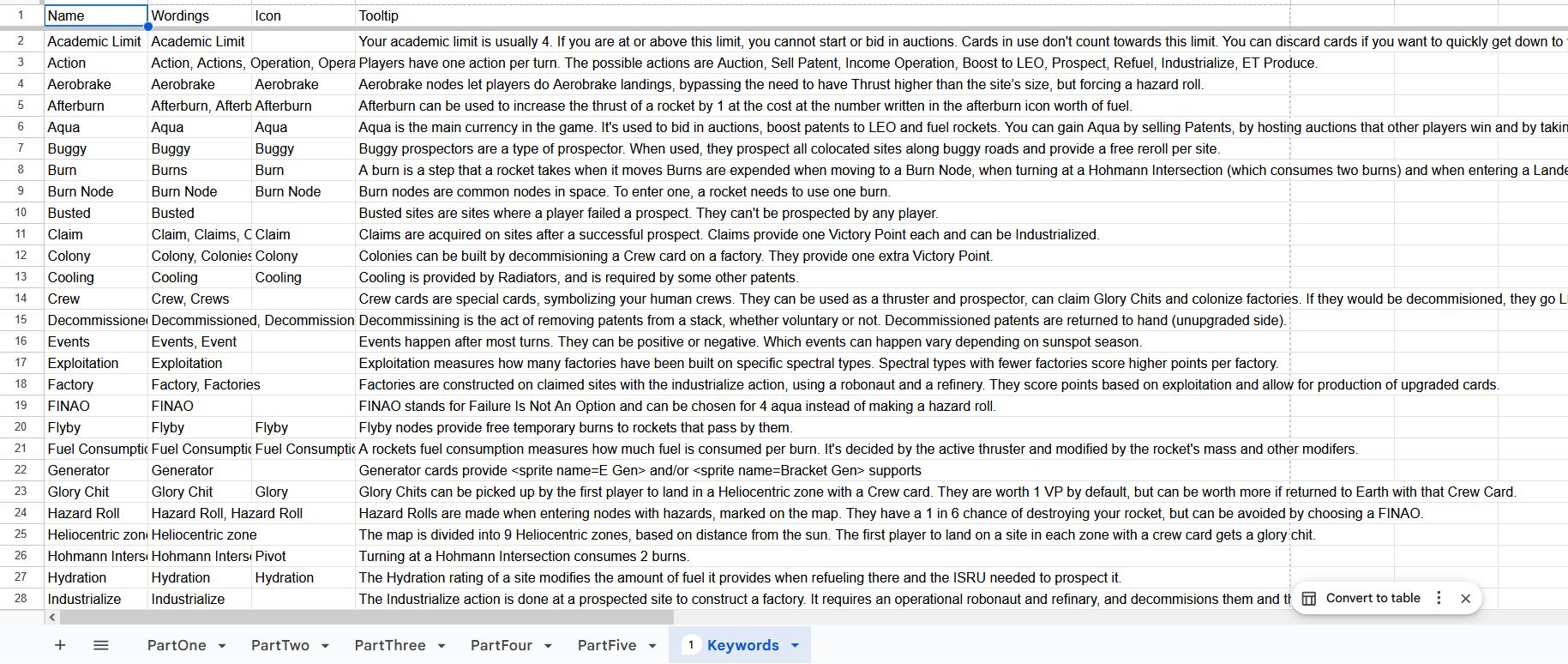
Keyword System
One UI element I really think is great is the layered tooltip system used in Crusader Kings 3 and other recent paradox games. It allows you to quickly understand concepts and connect them and is very helpful for understanding complex games. After designing the tutorial, I also designed a keyword system, which is used to underline words and add icons in the text, and lead into a layered tooltip system. After my internship I continued to work on the tooltip and keyword system, developing it into Edvin's Nested Tooltips.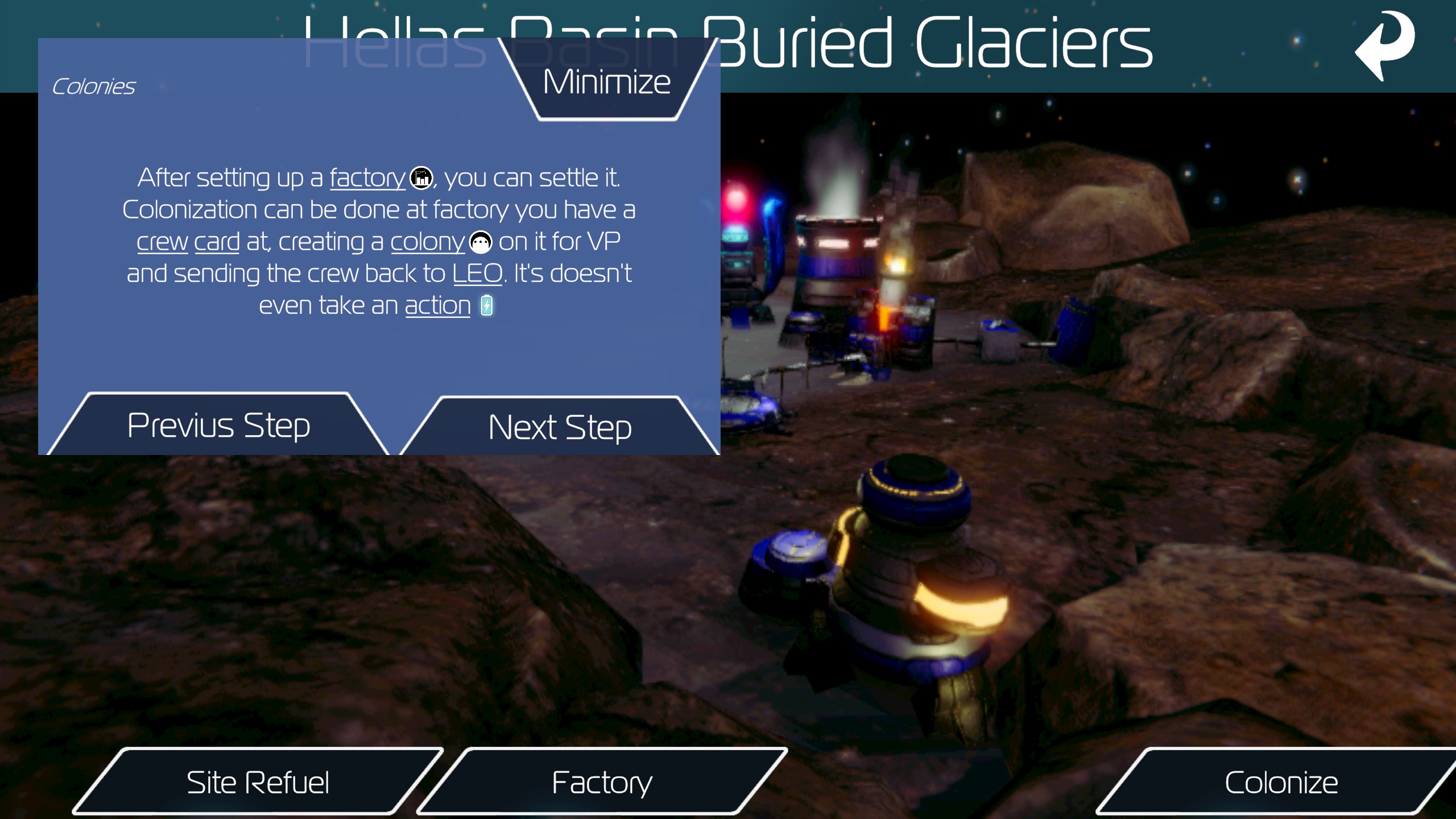
Other UI Improvements
During my time working on High Frontier I also helped with some other UI improvements. One early problem I found was that it was really hard to differentiate the sprites for claims, factories and colonies at a glance so I set up a system where the name texts for factory sites are underlined (and colonized sites are also bolded). As part of making the keywords system I set up a SpriteSheet with all the icons in Krita and used that to make a TextMeshPro sprite sheet, which could be used in all sorts of texts. I used the sprites to update the support chain interface when selecting parts to use symbols instead of text. I also grayed out buttons that can’t be used in a few cases. There are still many cases where the game should be better at communicating to the player that something is impossible before they try, but there are fewer now.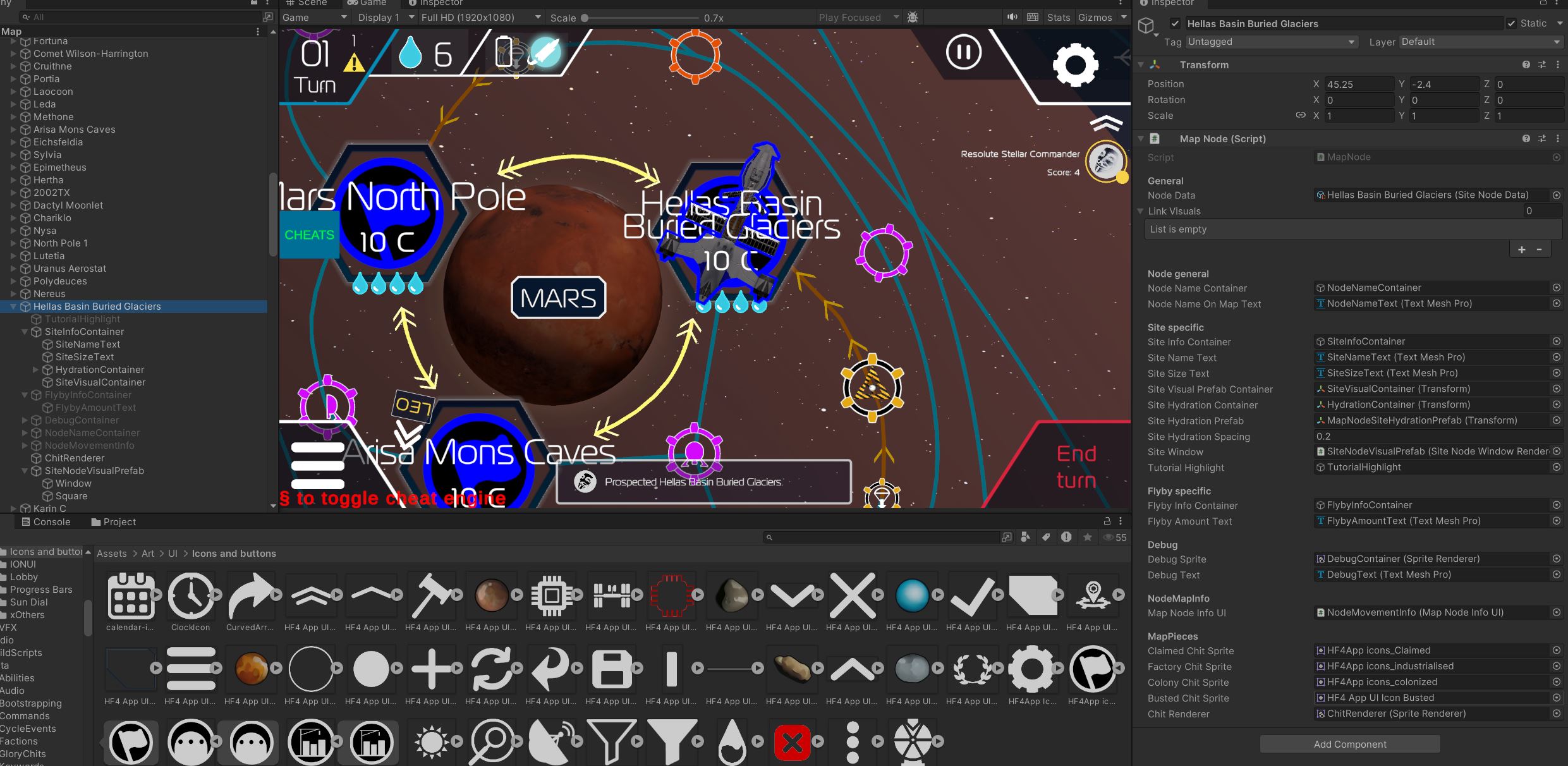
Refactored Code
Finally I did some fixes in the code backend to increase performance and clarity. One thing I fixed in multiple locations was reducing the game’s overreliance on instantiating objects for display and UI.For example, when I joined the game it would instantiate “chit” tokens for every site that wasn’t unexplored every turn and every time one site somewhere changed. This could easily be replaced with a system that includes the chit token in the prefab, but has it hidden by default. When the site needs to show that it’s a claim/factory/colony/bust, it changes the color, sprite and sets it to be shown. Instantiating objects is bad for performance and adds more things to keep in memory and also makes the prefabs themselves harder to interact with in editor as everything is split into tiny prefabs. There were many other similar examples of instantiating prefabs, where just serializing objects and showing, hiding and changing their sprite would work.